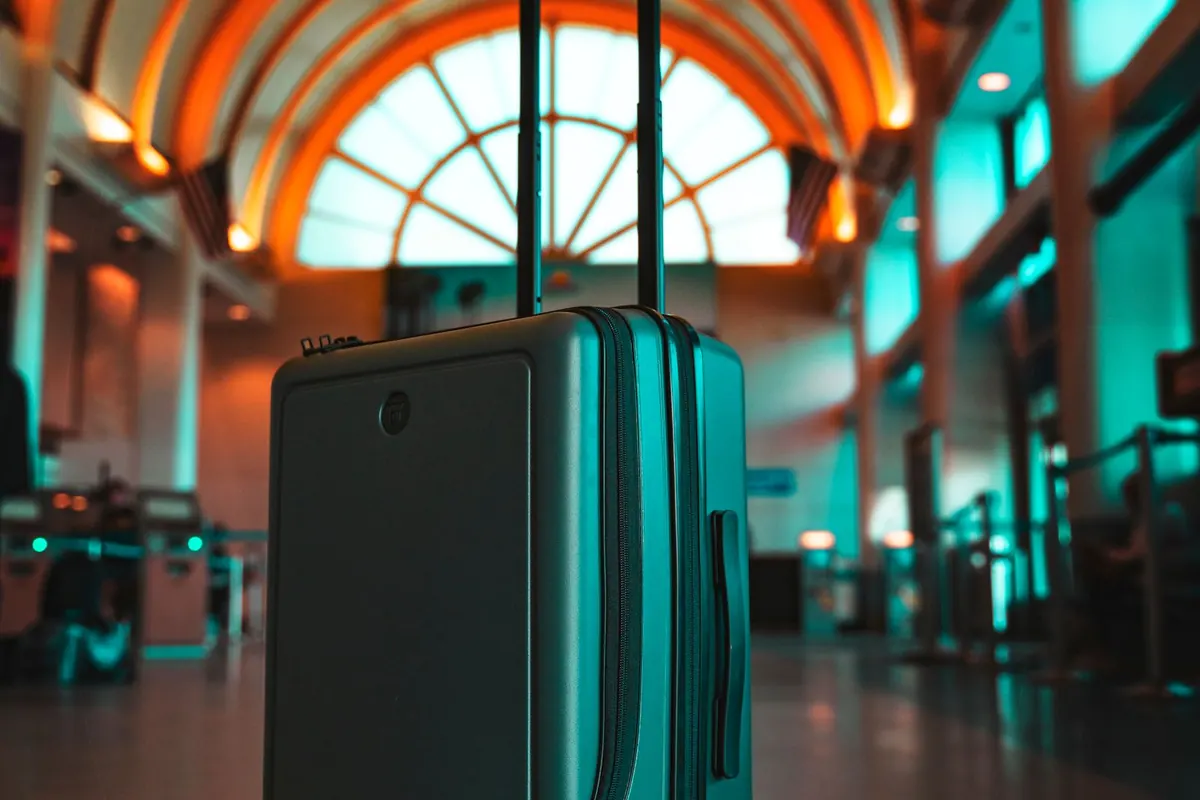
Sometimes a suitcase takes so long to appear on the airport baggage carousel that it is hard to tell whether it has been lost or is still waiting to be unloaded. That uncertainty makes a location tag easy to appreciate. Samsung's Galaxy SmartTag3, released in Korea on October 7, is designed for luggage, keys and other belongings.
This model has drawn attention because it also works with iPhones. Still, the phrase 'iPhone support' is not enough information for a purchase. Viewing a tag's location on a map and receiving directional guidance to a nearby tag are different functions. Check which one your phone can use first.
It works with an iPhone, but not in exactly the same way
According to Samsung's product information, an iPhone running iOS 17 or later can register SmartTag3 directly in the SmartThings app. A Galaxy user can also register a tag and share it with family members. Available features vary with the operating system and sharing status, however. iPhone compatibility does not mean that every Galaxy finding feature carries over unchanged.
The advertised Compass View at up to 60 meters is a clear example. Buying the tag alone does not unlock it for every user. Samsung says the feature requires a Galaxy device that supports Bluetooth Channel Sounding. The currently listed devices are the Galaxy Z Fold8 Ultra, Z Fold8, S26 Ultra and S26+. The maximum distance was measured in an unobstructed environment. If your phone is not on that list, the 60-meter figure should not drive the purchase.
| Question | What to know |
|---|---|
| Using an iPhone | Registration through SmartThings is available on iOS 17 or later. Features vary by OS and sharing status |
| Directional guidance | The 60-meter Compass View figure applies to Channel Sounding-compatible Galaxy devices in unobstructed conditions |
| Finding something far away | The tag has no GPS; its location updates when nearby Galaxy devices detect it |
| Attaching it to a bag | Check whether the tag's shape requires a separate case or loop |
Can you watch a distant suitcase move in real time?
SmartTag3 is not a GPS tracker. When it is far from the owner's phone, the map location updates after another Galaxy device nearby detects the tag's signal. That can provide an opportunity to locate checked luggage, but it should not be expected to show every movement in real time. The last known location may update slowly depending on nearby devices and network conditions.
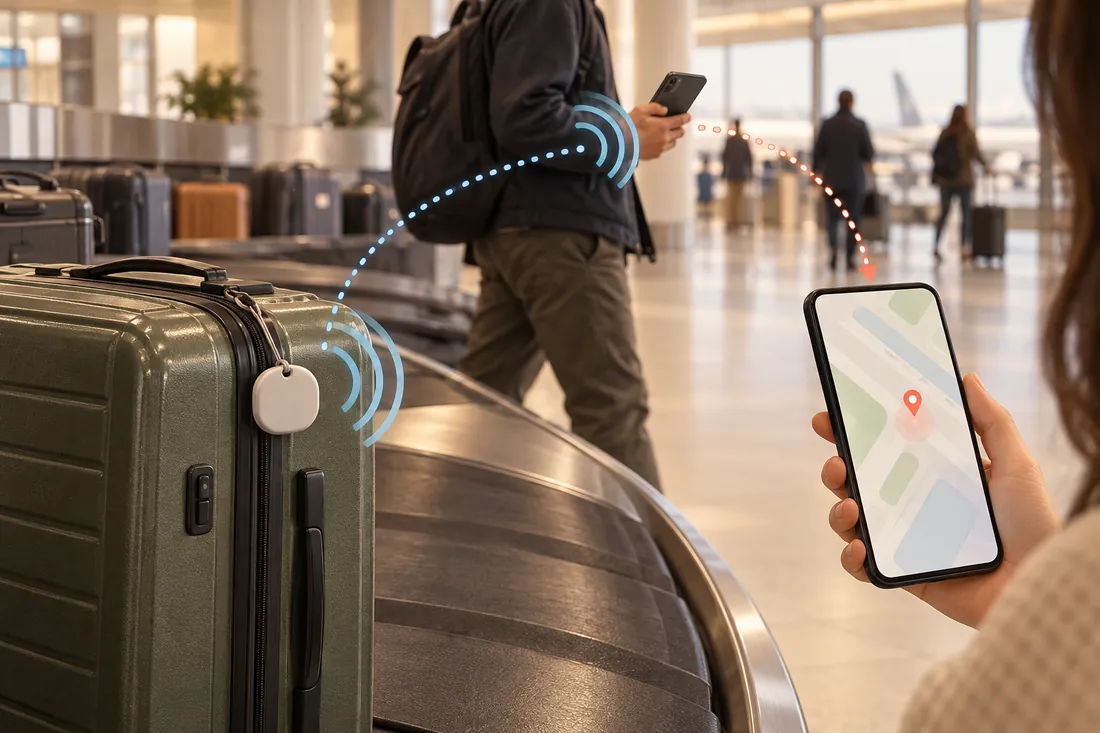
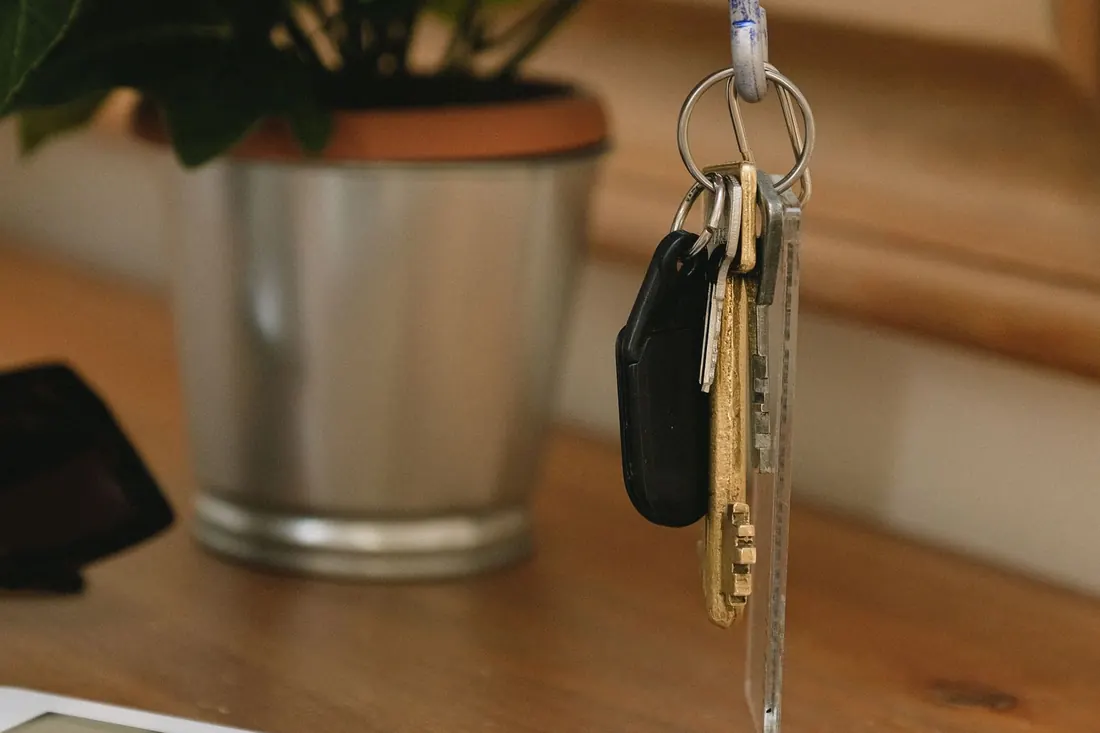
The lighter body is more noticeable when the tag is attached to keys. SmartTag3 weighs 9.15 grams, down from 13.75 grams for the previous model. A Tistory blogger who handled the product, however, found it disappointing that attaching it like a key ring requires a separate case. If you plan to use it on a suitcase or pet collar, look beyond the tag price and check how it will be secured.
The way you will use it matters more than the battery headline
Samsung lists battery life of up to 550 days in normal mode and up to 790 days in power-saving mode. Both figures come from internal test conditions, so actual replacement timing can differ. Power-saving mode also restricts some functions, including Compass View and sound-related settings. If you need sound to find frequently misplaced keys, choosing power-saving mode only for the longest quoted battery life may not make sense.
Samsung announced Korean prices of KRW 44,000 for one tag and KRW 149,600 for a four-pack. The bundle may be worth comparing when you already know where all four will go. First-time users can also start with one on a bag or key ring before deciding. Recheck the color, case configuration and current sales terms on the product page.
A location tag can be useful for someone who regularly checks luggage or often searches for keys. The purchase makes more sense after confirming three things: which functions your phone supports, where the tag will be attached, and how its location updates when it is far away. Those checks also keep expectations in proportion simply because the product is new.
Sources reviewed
The article was checked against the sources below. Image context and credits appear in each caption.